Magic internet money, but for streamers

So, you’re a streamer, you built a community, and you did hours of research on how to set up alerts, spend hours looking for entertaining games to play on stream, and learned all there is to know about building community. But someday, you get curious about Bitcoin and begin to do research into how you can start accepting it on stream.
Then you discover crypto is the wild west, and you’re the guy who shows up to the tavern in the town with an oppressive mayor. You don’t know where you are or how anything works anymore, and you may want to turn around and hightail your caboose back to PayPal and traditional finance where everything’s safe and familiar.
But me? I’m your friendly bartender, your Virgil, here to show you around and show you this isn’t as bad as it seems. I’ll teach you, young renegade.
Giddyup!
Step 1: Don’t use PayPal’s crypto backend. #
Step 2: Create a Coinbase account #
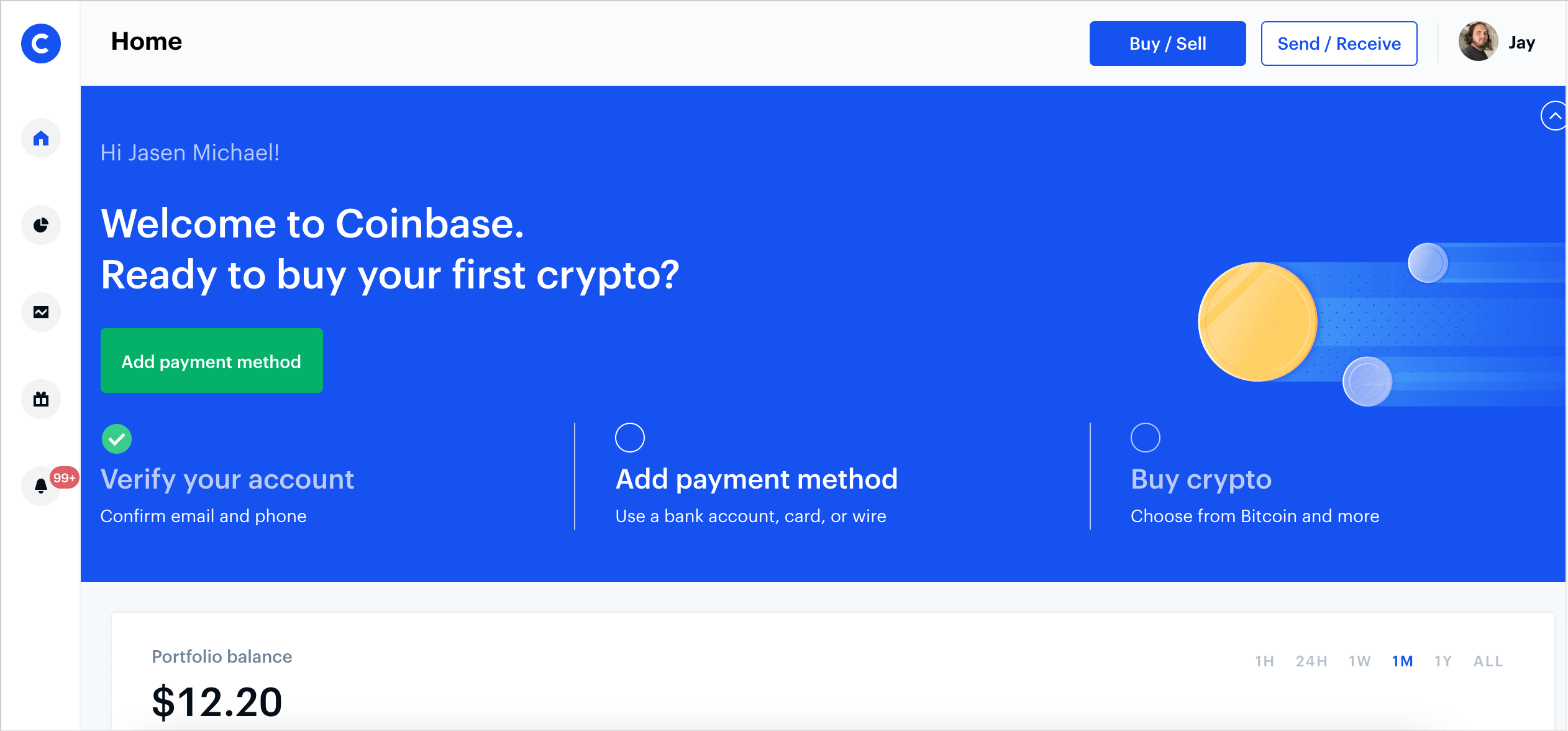
In our western city, Coinbase is our bank vault. It keeps your coins (relatively) safe and sound in an easily accessible web interface. Lets open yours.
Go to Coinbase and sign up with your email. Coinbase is an exchange, which means it’s a website where you can buy, sell, and swap your cryptocurrencies online (like when you swap your native currencies for local ones when you leave the country). Coinbase is great to keep your coins in while you learn how to custody your own coins and be your own bank.
You may need to provide some basic KYC/AML information like identification cards or passports - this is to comply with regulations by the US government, and Coinbase is very reputable and trustworthy to keep this info securely stored.
Step 3: Set up a 1UpCoin account with your streaming service account. #
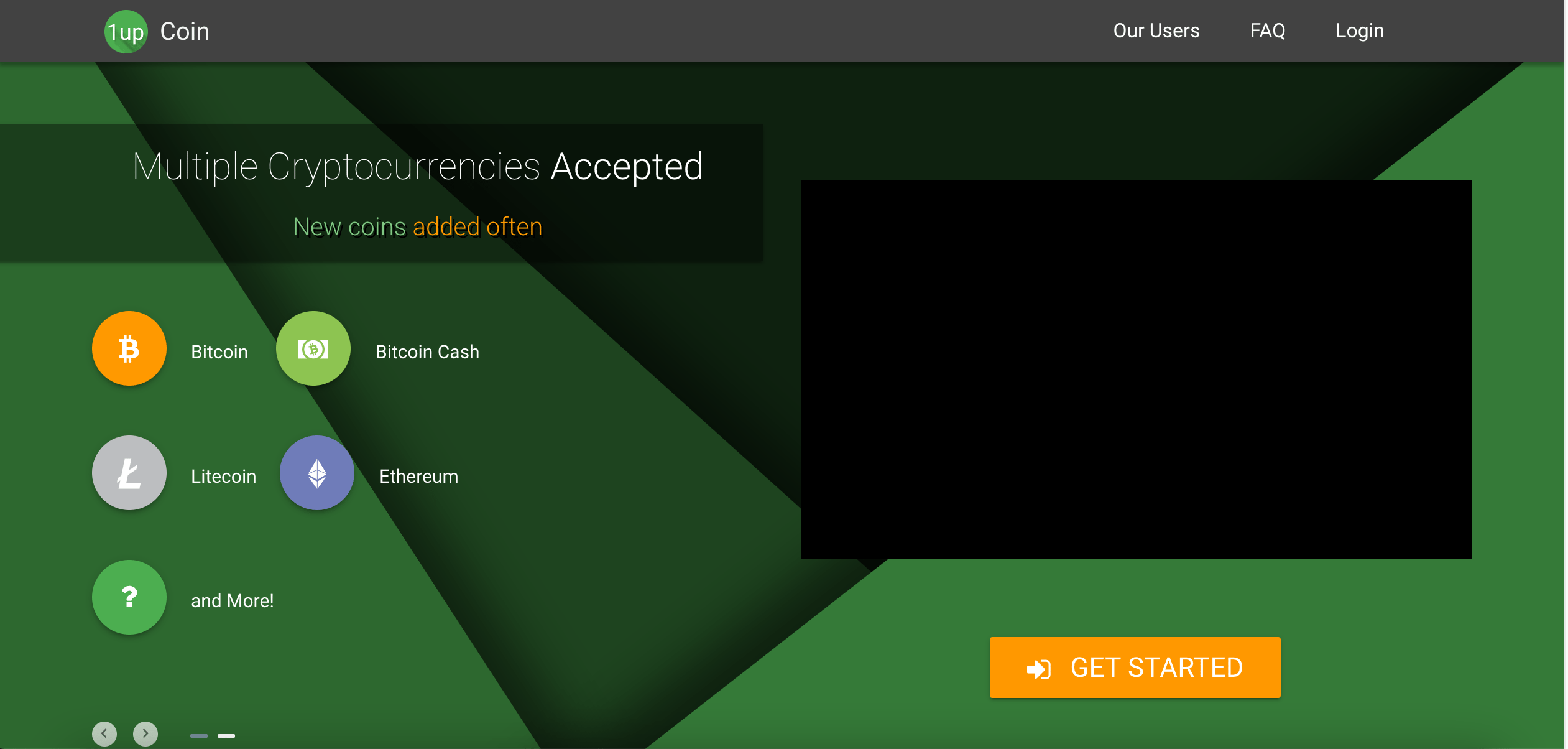
1UpCoin is our telegram and post office - 1UpCoin takes care of your receiving donations with little to no upkeep from you. It hooks right into your Twitch (or YouTube) and Coinbase to facilitate your donations and give you fancy schmancy alerts.
Setting up your donation service #
1UpCoin supports both StreamLabs and StreamElements! You probably know (and maybe love?) these already. In order to get alerts on stream, you will have to:
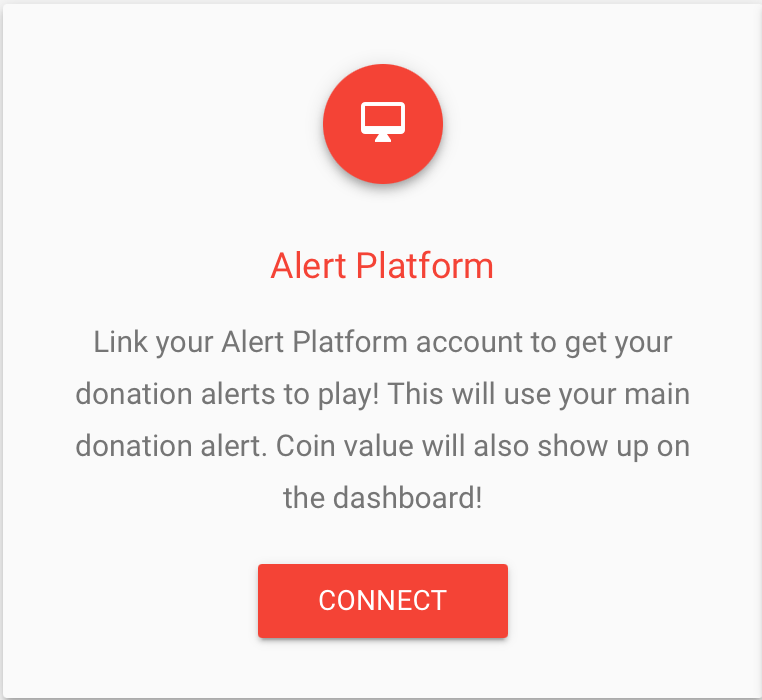
Click this button on your new 1UpCoin Dashboard:
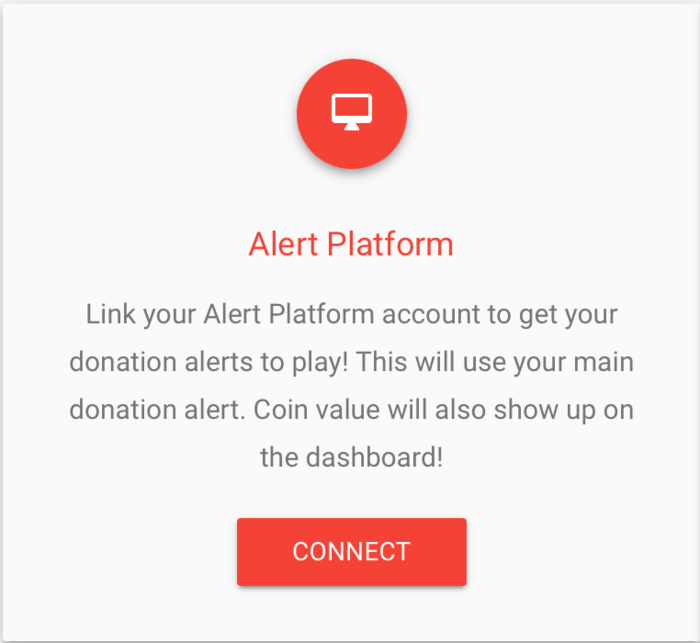
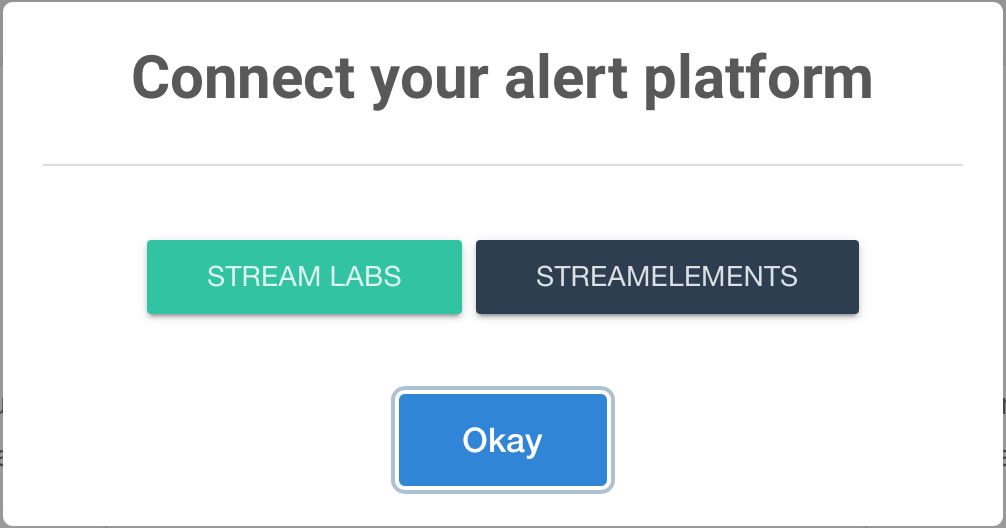
Select either StreamLabs or StreamElements:
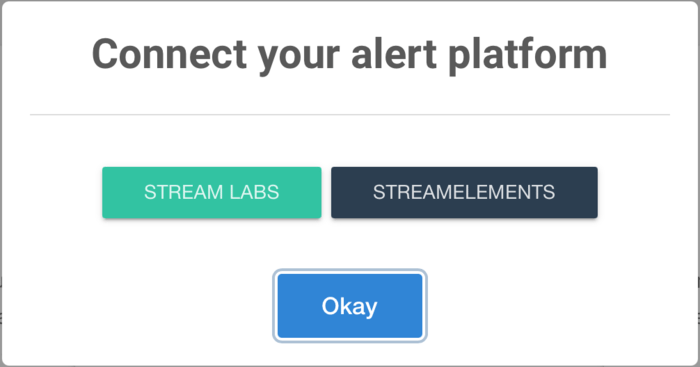
Login to your alerts service and authorize 1UpCoin.
Connecting your new Coinbase account #
Next step would be connecting your Coinbase account we just made - that’s how you get paid, after all! This is easy:
Click this button on your 1UpCoin Dashboard:
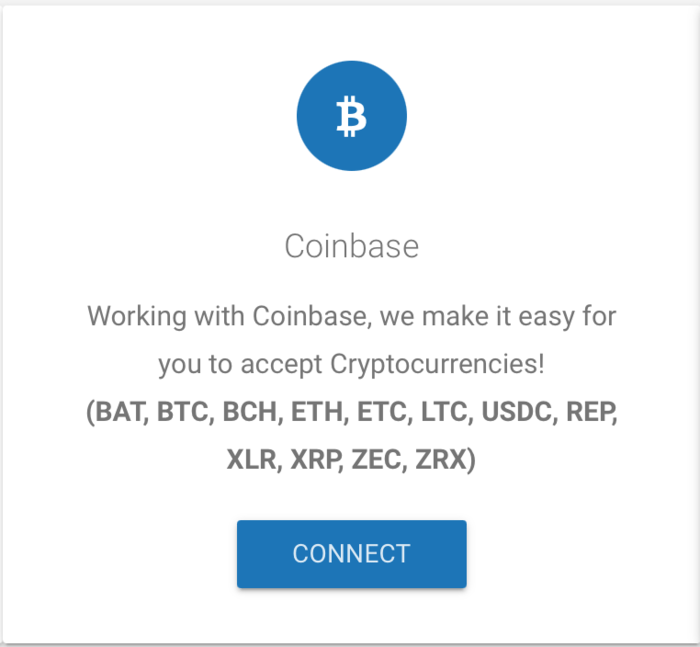
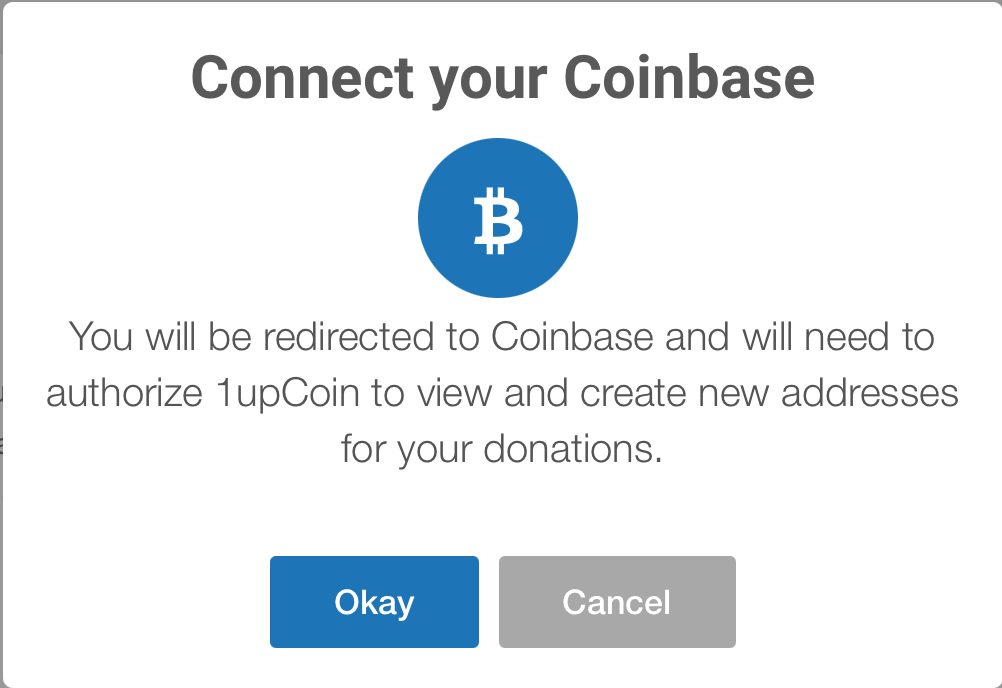
Click “Okay” on the next screen pop to go to Coinbase.
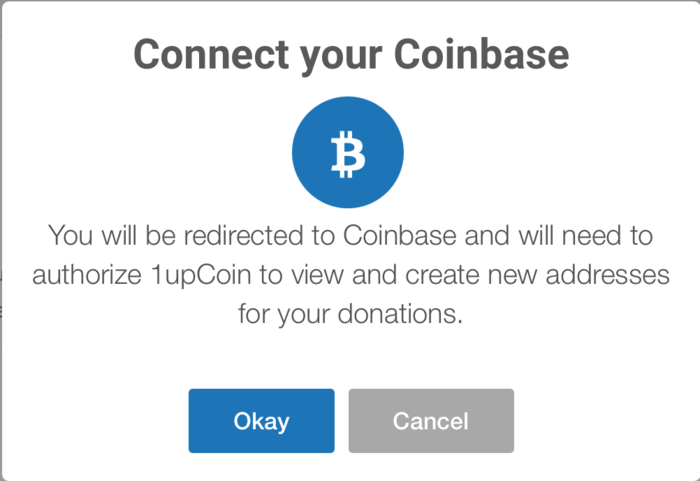
“Authorize” Coinbase. All 1UpCoin’s really asking for is permission to see some basic info and generate addresses it needs to in order to send payments to your Coinbase.
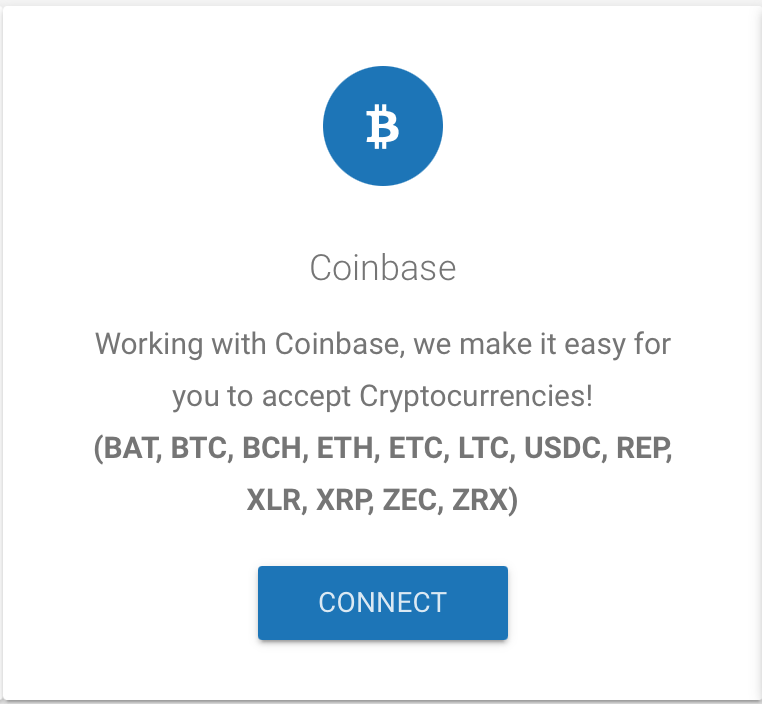
You can also do send a test alert, which I’m sure your very familiar with, and which I also recommend doing before you get your crypto donation link and set up your panel.
Step 3.5: Highly recommended: Set up 2FA on your channel #
After our city puts gold in its vault, would it just leave its bank unlocked all night so anybody can come in and try to mess with your vault?
Probably not.
Crypto doesn’t have a fraud departments you can call and have them refund you in cases of theft or other fraud any more than making a payment with cash does - especially not places like Twitch or Google. Since these accounts are your portals into 1UpCoin, you need to take securing your cryptocurrency into your own hands and set up 2-Factor Authorization.
After all, if someone does get into your 1UpCoin dashboard, they can change donations over to their Coinbase and start collecting your donations for themselves, at the very least.
Here are tutorials on how to set up 2FA for all of 1UpCoin’s supported platforms:
Setting up 2FA for Twitch
Setting up 2FA on your Google account - YouTube
Step 4: Have fun with cryptocurrency! #
Cryptocurrency is an incredible new discovery that allows people to take their money into their hands - rather than the hands of governments, banks, or other custodians. Don’t stop here, there is much more to learn! For example:
- The Bitcoin Rabbit Hole - Your introduction to bitcoin, what it is, and why it’s special.
- Self-custody - How to keep your coins, your coins.
Enjoy! #
P.S. If you want to thank me for writing this post, feel free to send me sats (Bitcoin ONLY) to this address:

1JasenSujAYkZYfiCxpWUe2eUUnhmHCfeS